
3.5" 1000 Floppy Disk Drive to USB Emulator Simulation For Musical Keyboad


3.5" 1000 Floppy Disk Drive to USB Emulator Simulation For Musical Keyboad
Description
SPECIFICATIONS
Brand Name: YOUTHINK
Choice: yes
High-concerned chemical: None
Interface Type: USB
Origin: Mainland China
Package: Yes
Product Features:
Item's color might be different from the picture because of the aberration.
This floppy drive emulator is great for electronic organ
Housing Material:ABS
Color:Black
Floppy driver with below function needed:
Floppy driver with 34pin interface,and 5V DC power plug
Use 2HD flpppy disk with 1.44MB capacity
Format of disk:Cylinders:80
Tracks:160 Sectors/Track
18 Bytes/Sector:512 Data
Transfer rate:500 kbps
Encoding method:MFM
Features:
Use normal usb flash drive as the medium for transfer design.
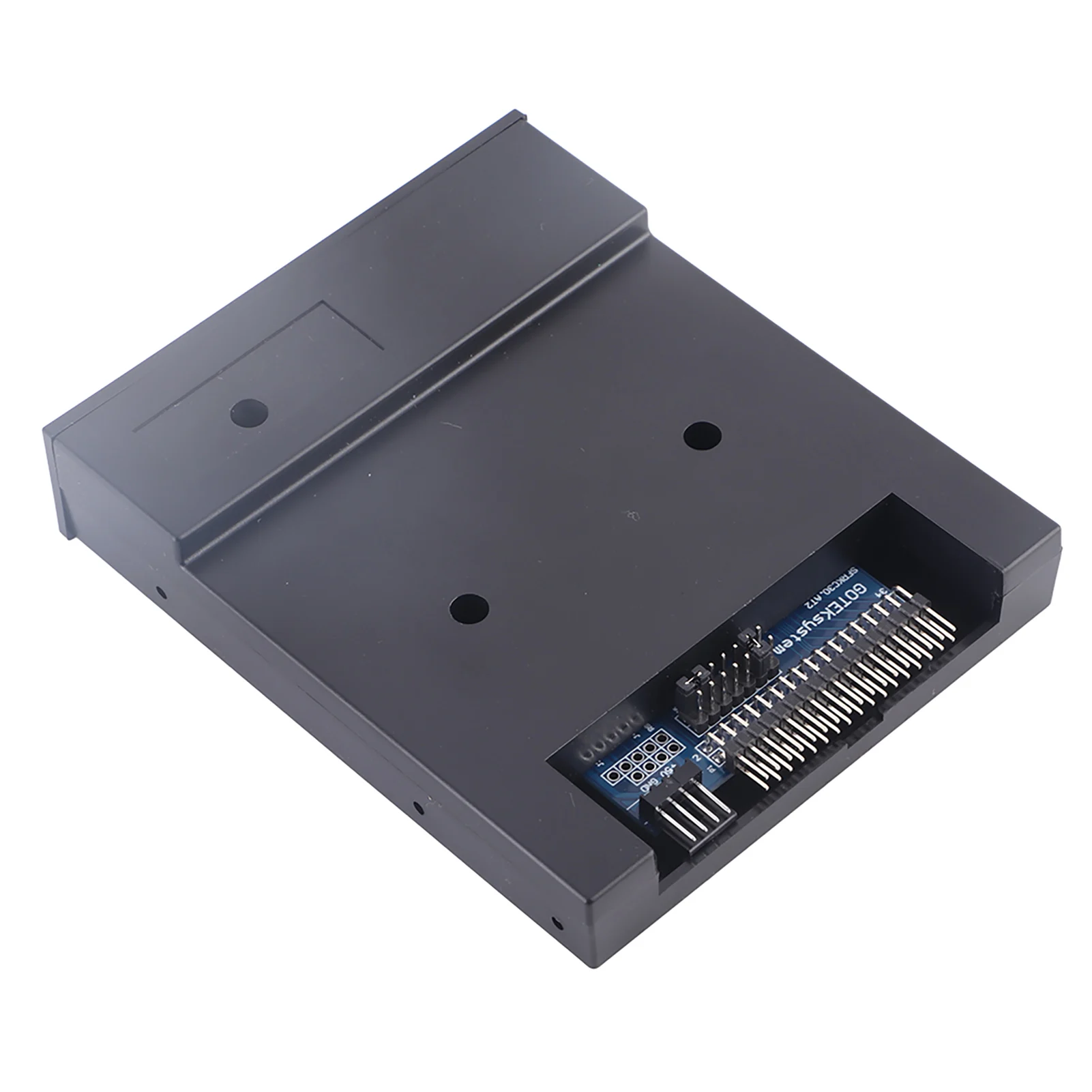
34pin floppy driver interface,5V DC power supply,easy to install.
Capacity:1.44MB 2HD Cylinders:80 Tracks:160 Sectors/Track: 18 Bytes/Sector:512 Data
Transfer rate:500 kbps
Encoding method:MFM.
1000pcs partitions in usb flash drive can be used.
Built-in self-format function.(read relevant documents to use this function)
Jumpers with function for different machines(SFR1M44-U100K not support jumpers).
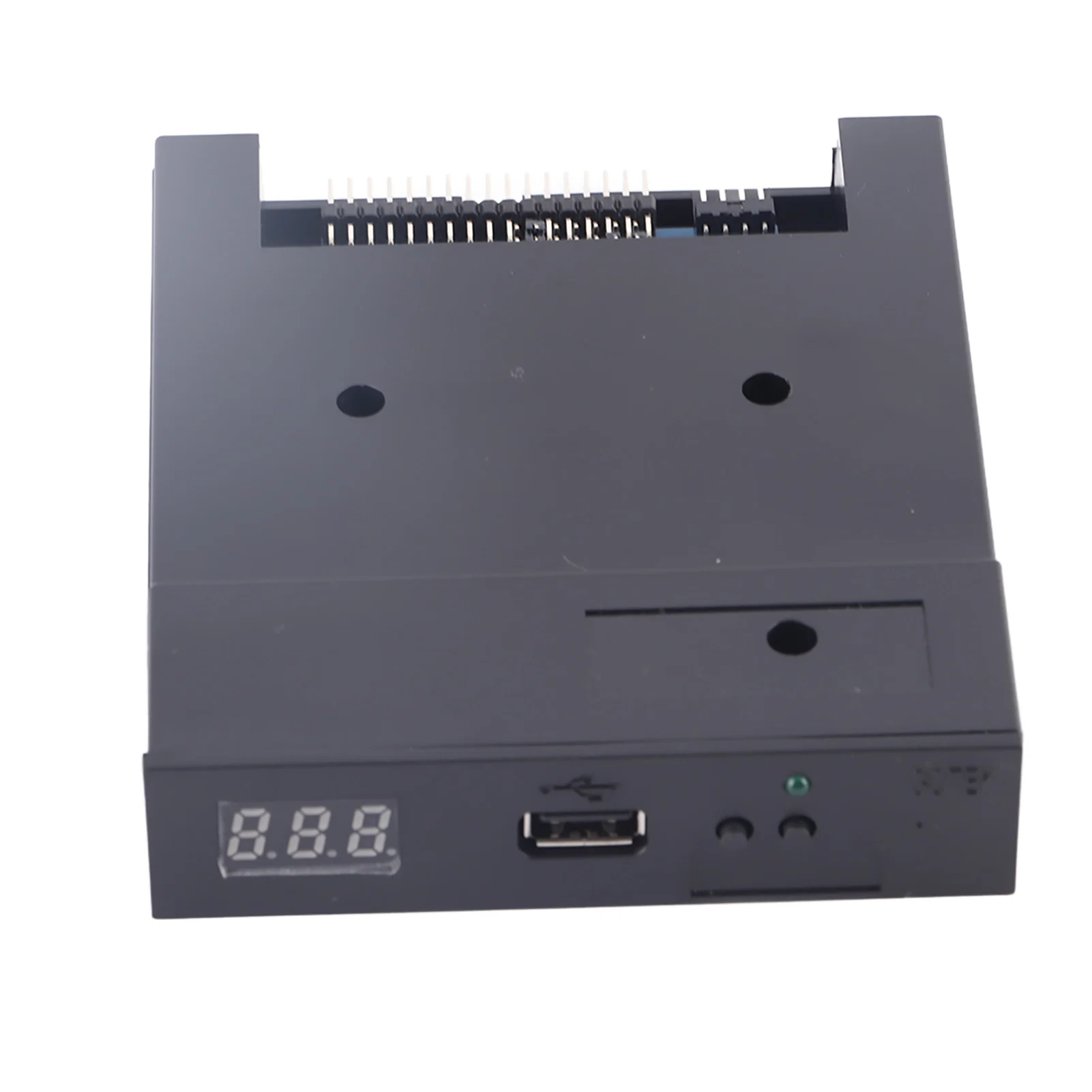
Panel:
8segment numbers:represent partitions number
Green led:status of read and write operation
USB port:connect usb flash drive
Button:
Left button used to rise ten-digit,right botton used to rise single-digit,press 2 button together to
rise hundred-digit
Operation :
Format usb flash drive.
1.use built-in self-format function to format usb flash drive into 1000pcs partitions
2.install an emulator on computer,and format every partitions by operate driver A.
3.use emulator UFA1M44-100,plug usb flash drive on it,
connect to computer,it will recognized as removabe driver A or B under for WINDOWS XP/2000/7,format every partitions.
UFA1M44-100 also built in self-format function.
Read and write data.
1.install emulator on machine
2.install emulator on computer
3.connect usb flash drive on computer,read and write data directory by software, under for WINDOWS XP/2000
4.use emulator UFA1M44-100,plug usb flash drive on it, connect to computer,read and write data under for WINDOWS XP/2000/7.
Package Include:
1x USB Emulator
Care
To maintain the beauty and integrity of your purchase, we recommend treating it with care. Simple maintenance practices, such as gentle washing and proper storage, can effectively preserve the longevity of your favorites. We encourage you to refer to the care instructions included with each item, designed to help you keep your purchase in top condition.
Design
Our dedication to excellence extends beyond materials; it encompasses the artistry and craftsmanship illustrated in every piece we create.